Before you choose a WordPress theme, remember that it shapes almost everything about your site: how it looks, how fast it loads, how easy it is to edit and how much maintenance it needs. Choosing a theme only by its demo design is one of the most common reasons sites end up slow and hard to manage.
Here is how to evaluate a theme before you commit to it.
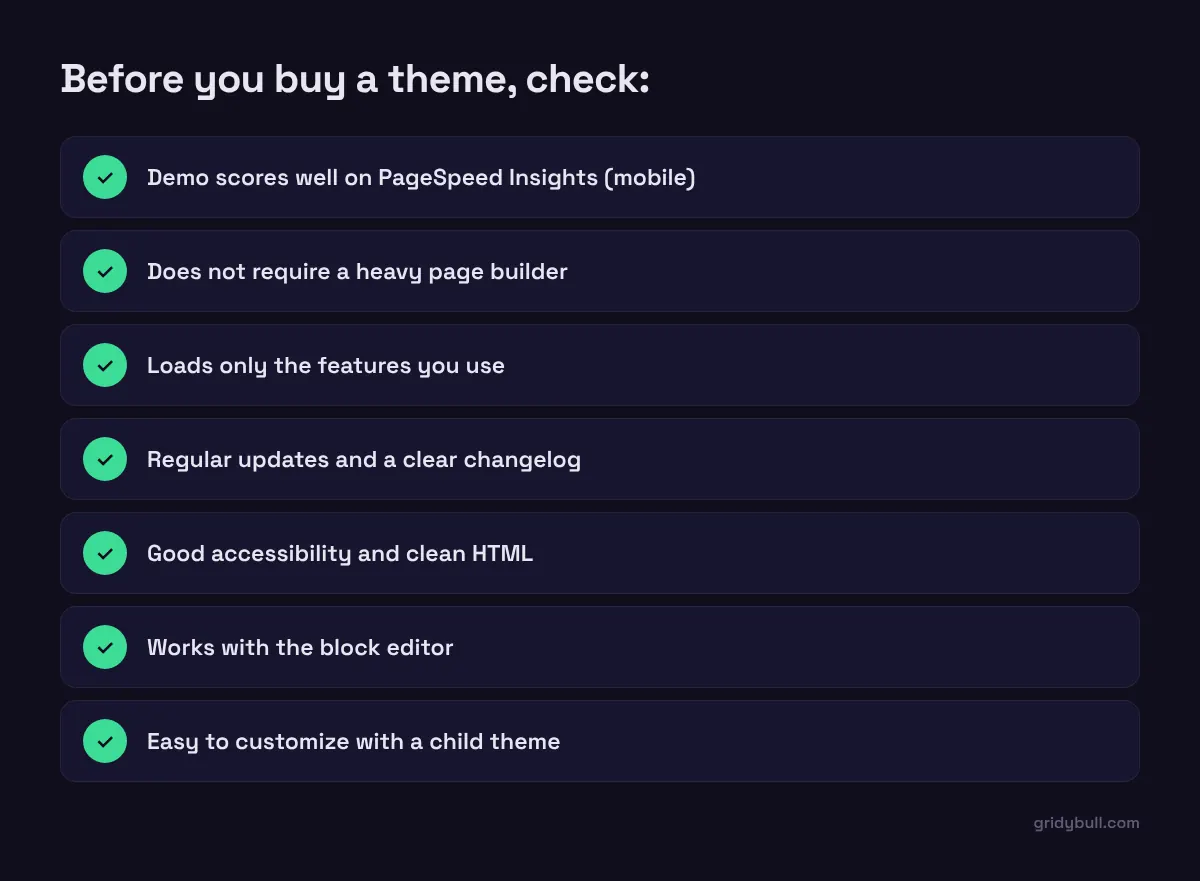
Test the demo’s speed, on mobile
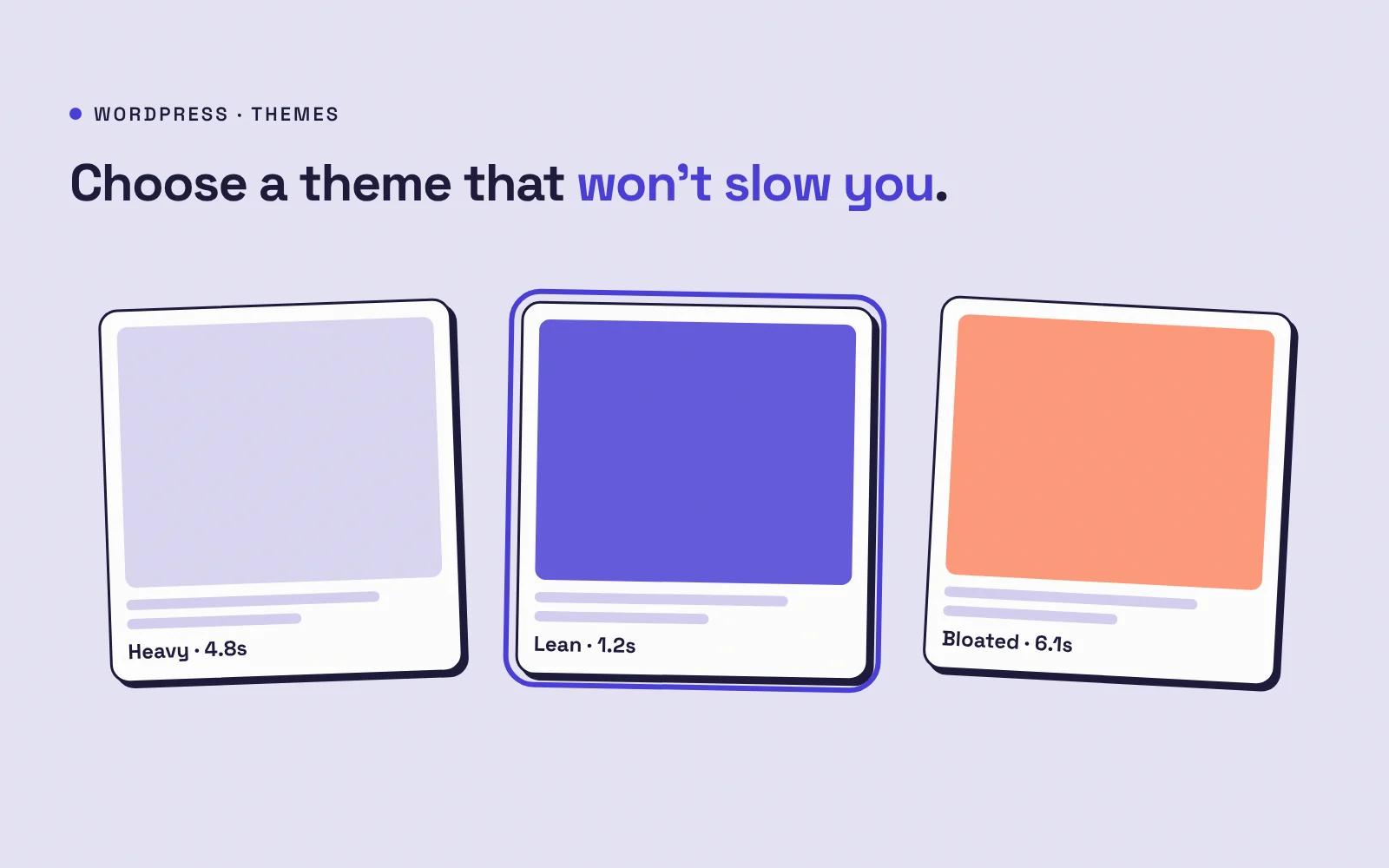
Run the theme’s demo pages through Google PageSpeed Insights and look at the mobile results. The demo is usually the best-case scenario: if it is slow there, it will likely be slower once you add your own content and plugins. Also open the demo in your browser’s developer tools and check how many files and how much data it loads.
Beware of “do everything” themes
Multipurpose themes with dozens of demos, sliders, page builders and bundled plugins are tempting, but you pay for features you never use in loading time and complexity. A theme that does less, well, is often a better foundation.
Check the page builder situation
Some themes depend on a specific page builder. Builders make editing visual, but many add extra code to every page and make it harder to switch later. Options to consider:
- Block themes built for WordPress’s native block editor and site editor
- Lightweight classic themes that work well with blocks
- A custom theme with structured fields, such as ACF, so editors fill in content and the developer controls the markup
Look at updates and support
- When was the theme last updated?
- Is there a public changelog?
- Does it support the current WordPress and PHP versions?
- Are support questions answered?
A theme that has not been updated in a long time is a security and compatibility risk.
Check accessibility and code quality
Look for themes that mention accessibility, use proper heading structure, and let you navigate with the keyboard. Clean, semantic HTML is good for visitors, for accessibility and for search engines.
Think about customization
You will almost certainly want to change something. Make sure the theme supports a child theme, or uses theme.json and the site editor for design settings, so your changes survive updates.
Consider the total cost
The cheapest theme is not always the cheapest choice. Add up the plugins it needs, the time spent fighting its settings, and the cost of a future rebuild if it does not scale with you.
When a custom theme makes sense
For a business website that needs to be fast, on-brand and easy for a team to edit, a lean custom theme is often worth it. Editors get simple fields for each section, visitors get fast pages, and you avoid paying for features you never use.
How to choose a WordPress theme: a quick checklist
- Does the demo score well on mobile speed tests?
- Can you build the pages you need without a heavy builder?
- Is it actively maintained?
- Is it accessible and well coded?
- Can you customize it safely?
Spend an hour testing before you buy. It can save months of fixing later.