A slow website costs you twice. Visitors leave before the page appears, and search engines use loading experience as one of many signals when ranking pages. The good news is that most slow WordPress sites are slow for the same handful of reasons, and most of them can be fixed without rebuilding the site.
This is the checklist we follow when we build or speed up a WordPress site, in roughly the order that gives the biggest gains first.
Measure before you change anything
Start with a baseline so you know whether each change helps. Use two kinds of data:
- Google PageSpeed Insights shows lab results and, if your site has enough visitors, real-user data for Core Web Vitals.
- Your browser’s developer tools (the Network and Performance panels) show exactly which files load, how large they are and what blocks the page.
Test your most important pages, such as the homepage, a service page and a blog post, and always test the mobile results. They are usually the slowest and the ones that matter most.
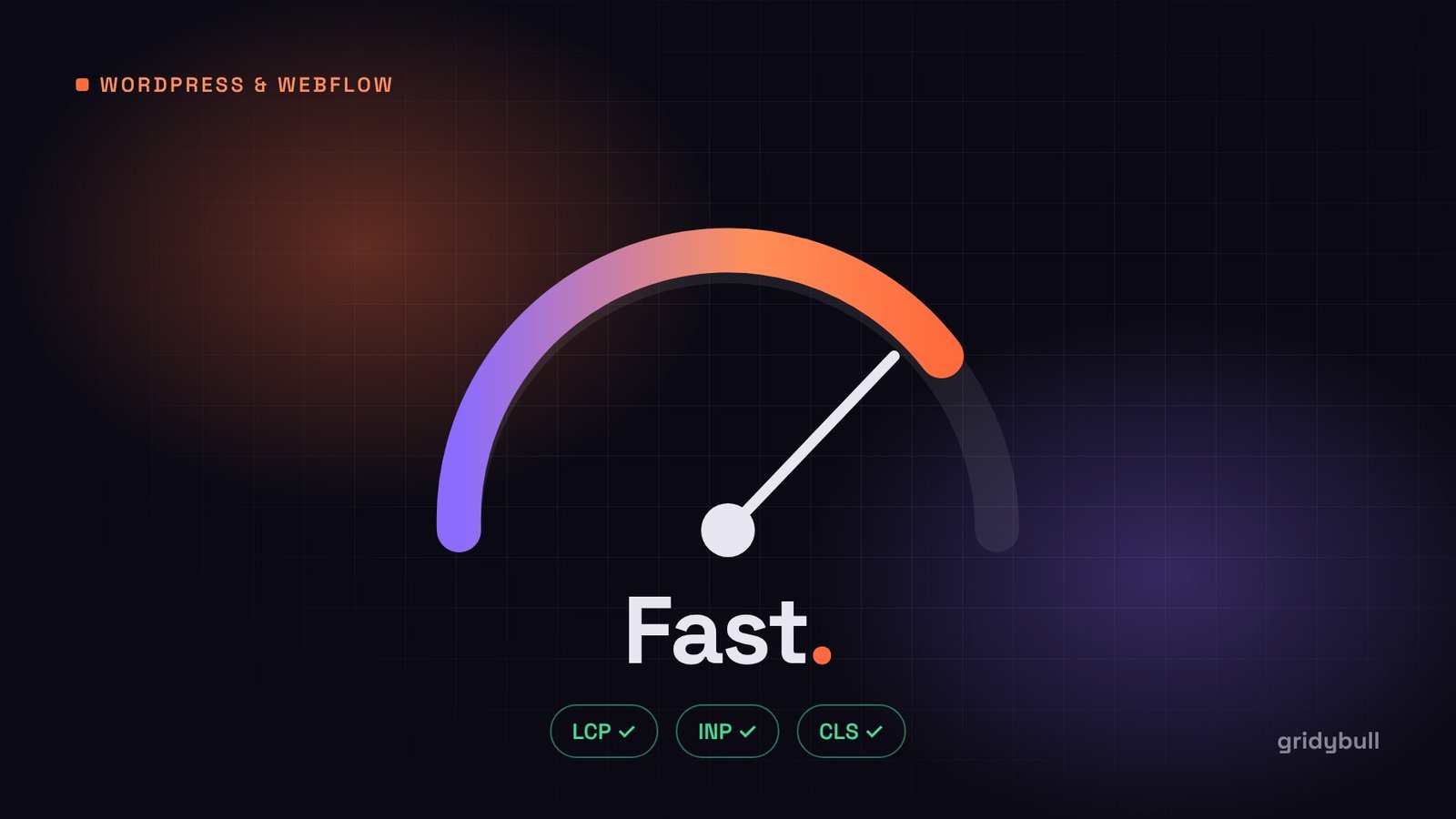
The three Core Web Vitals in plain English
- Largest Contentful Paint (LCP): how quickly the main content, often the hero image or headline, appears.
- Interaction to Next Paint (INP): how quickly the page responds when someone taps or clicks.
- Cumulative Layout Shift (CLS): how much the layout jumps around while loading.
1. Fix hosting and caching first
No amount of front-end tuning will save a site on an overloaded server. Signs of a hosting problem include a slow “time to first byte” even on simple pages, and an admin area that feels sluggish.
- Choose hosting with a current PHP version, enough memory, and server-level caching.
- Enable full-page caching, either through your host or a caching plugin that matches your server (for example, LiteSpeed Cache on LiteSpeed servers).
- Use object caching (Redis or Memcached) if your host supports it, especially for WooCommerce or membership sites.
- Put a CDN in front of the site so static files are served from locations close to your visitors.
2. Audit your plugins
Plugins are the most common cause of bloat. Each one can add database queries, scripts and stylesheets to every page, even pages where it is not used.
- Deactivate and delete plugins you no longer use.
- Replace plugins that do one tiny job (for example, adding a code snippet) with a few lines in your theme.
- Look out for plugins that load their files site-wide when they are only needed on one page, such as form, slider or gallery plugins.
- Be careful with “all-in-one” plugins that bundle dozens of features you do not need.
A simple test: deactivate plugins one at a time on a staging copy and measure the difference.
3. Rethink the page builder
Visual page builders make editing easy, but many add a lot of extra HTML, CSS and JavaScript to every page. If speed is a priority, consider:
- A lightweight theme built with the block editor, or a custom theme.
- Custom fields (for example, with Advanced Custom Fields) for structured sections, so editors fill in content while the developer controls clean, minimal markup.
- If you keep a page builder, turn on its performance options and remove unused widgets and add-ons.
This is exactly why we build our own agency sites as custom themes with ACF: editors get simple fields, and visitors get fast pages.
4. Optimize images properly
Images are usually the largest files on a page. Handle them in four steps:
- Resize: never upload a 4000-pixel photo for a 600-pixel space.
- Compress and convert: serve modern formats like WebP or AVIF.
- Lazy-load images below the fold, which WordPress does by default for most images.
- Prioritize the hero image: do not lazy-load the main above-the-fold image, and consider adding
fetchpriority="high"to it. This directly improves LCP.
Always set width and height on images (WordPress does this for media library images) so the browser reserves space and the layout does not jump.
5. Load fonts efficiently
- Use two font families at most, and only the weights you actually use.
- Self-host fonts in WOFF2 format rather than loading them from a third-party server.
- Add
font-display: swapso text appears immediately. - Preload the one or two font files used above the fold.
6. Reduce and defer JavaScript
JavaScript is the main cause of poor responsiveness (INP). Every script must be downloaded, parsed and run.
- Load scripts with
deferso they do not block the page from rendering. - Remove jQuery if your theme and plugins do not need it.
- Delay non-essential third-party scripts, such as chat widgets and heatmaps, until the user interacts with the page.
- Replace heavy animation libraries with CSS transitions where possible.
7. Clean up WordPress defaults
WordPress loads a few things by default that many sites do not need, such as the emoji detection script, oEmbed discovery links and block editor styles on pages that do not use blocks. Removing them is a small win, but it is free.
Also keep the database tidy: limit stored post revisions, clear expired transients and remove leftover tables from deleted plugins.
8. Watch third-party embeds
YouTube videos, maps, booking widgets and social feeds often load more data than the rest of the page combined. Use a lightweight placeholder (an image with a play button, for example) that loads the real embed only when clicked.
9. Re-test and keep monitoring
After each change, run the same tests as your baseline. Then keep checking monthly, or after installing new plugins, because sites tend to slow down gradually as features are added.
A quick summary checklist
- Good hosting, full-page caching and a CDN.
- Only the plugins you truly need.
- Lean theme with minimal markup.
- Resized, compressed, modern-format images, with the hero image prioritized.
- Self-hosted, preloaded fonts.
- Deferred and reduced JavaScript, delayed third-party scripts.
- Regular re-testing.
Work through this list in order and most WordPress sites become noticeably faster. If you would rather have it done for you, our team builds and optimizes WordPress sites with speed as a requirement from day one.