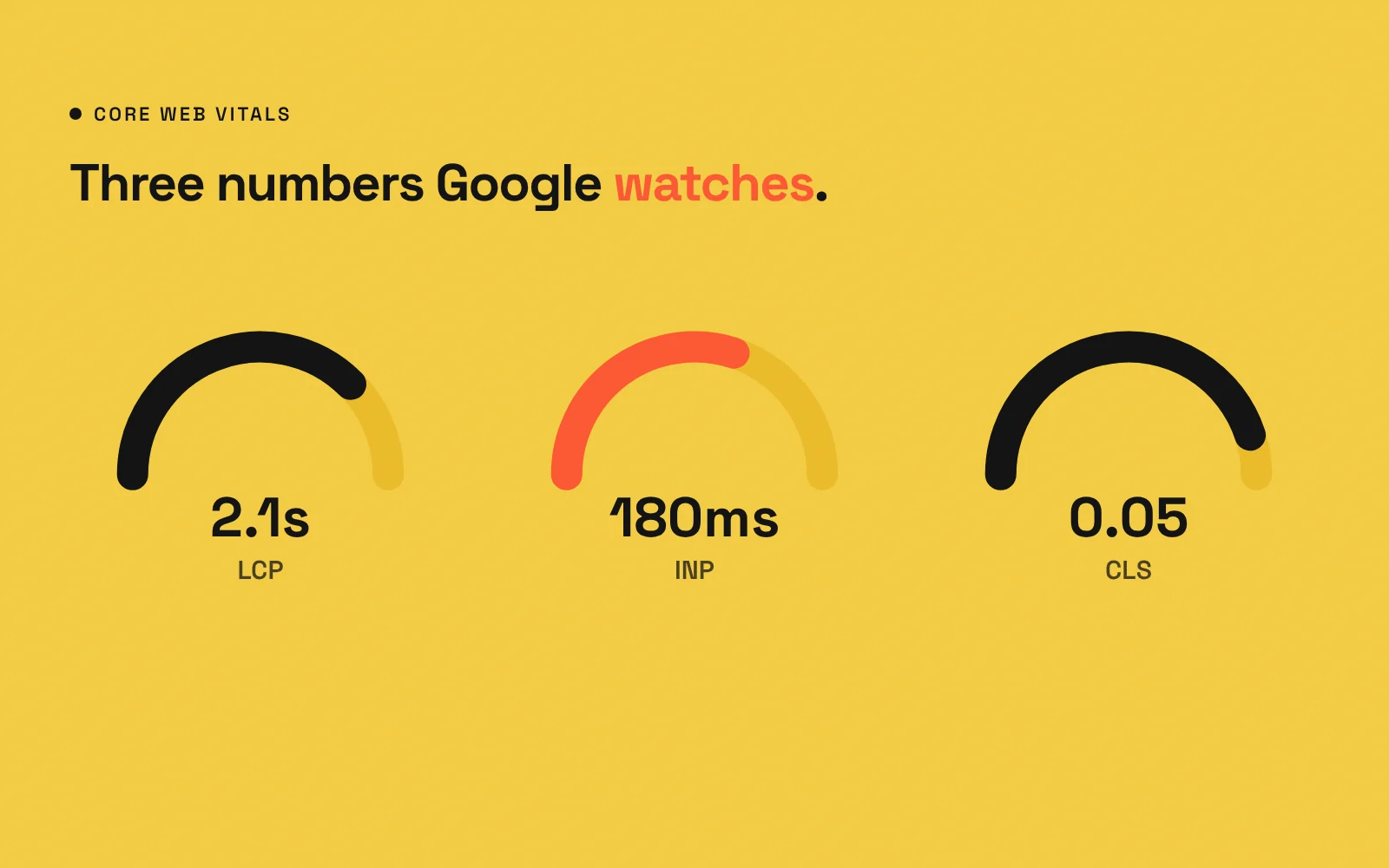
If you have ever run your website through Google PageSpeed Insights, you have seen three abbreviations: LCP, INP and CLS. Together they are called Core Web Vitals, Google’s metrics for how a page feels to real visitors. You do not need to be a developer to understand them, and understanding them helps you have better conversations with whoever builds your site.
Why Core Web Vitals matter
- Visitors: slow, jumpy or unresponsive pages frustrate people, and frustrated visitors leave.
- Search: page experience, including Core Web Vitals, is one of many signals Google uses. Great content still matters most, but a poor experience does not help.
- Ads: paid traffic lands on your pages too, so slow pages waste ad budget.
LCP: Largest Contentful Paint (loading)
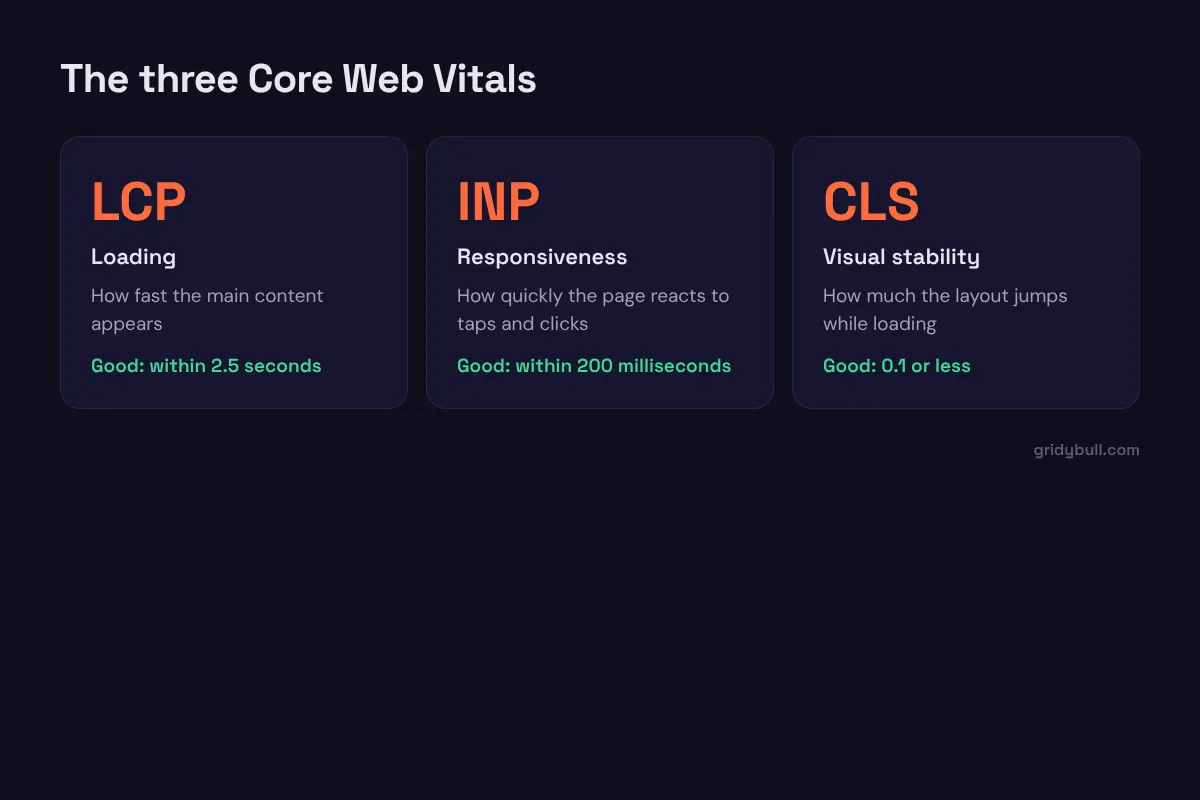
What it measures: how long it takes for the biggest visible element, usually the hero image or headline, to appear.
Good: within 2.5 seconds.
Common causes of slow LCP: large uncompressed hero images, slow hosting, render-blocking scripts and styles, and hero images that are lazy-loaded when they should load first.
INP: Interaction to Next Paint (responsiveness)
What it measures: how quickly the page visibly responds when someone taps, clicks or types.
Good: within 200 milliseconds.
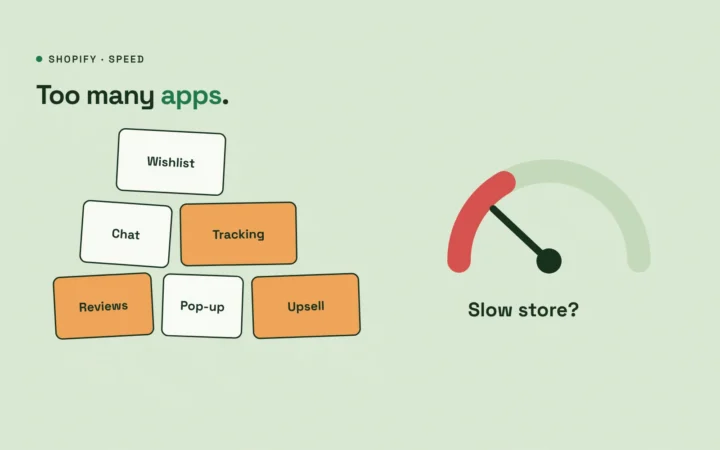
Common causes of poor INP: too much JavaScript, heavy third-party scripts such as chat widgets and trackers, and complex page builders doing lots of work in the browser.
CLS: Cumulative Layout Shift (visual stability)
What it measures: how much the content jumps around while the page loads, such as a button moving just as you tap it.
Good: 0.1 or less.
Common causes of poor CLS: images without set dimensions, ads and embeds that load late, cookie banners that push content down, and web fonts that swap in with very different sizes.
Lab data vs. field data
PageSpeed Insights shows two kinds of results:
- Field data comes from real Chrome users visiting your site over the past weeks, when there is enough traffic. This is what Google uses for Core Web Vitals.
- Lab data comes from a single simulated test. It is useful for diagnosing problems, but it is not the same as real-world experience.
New or low-traffic sites may only have lab data, which is fine for spotting issues.
What usually fixes Core Web Vitals
- Good hosting with caching and a CDN
- Compressed, correctly sized images in modern formats like WebP
- Prioritizing the hero image instead of lazy-loading it
- Fewer plugins and third-party scripts
- Setting width and height on images and embeds
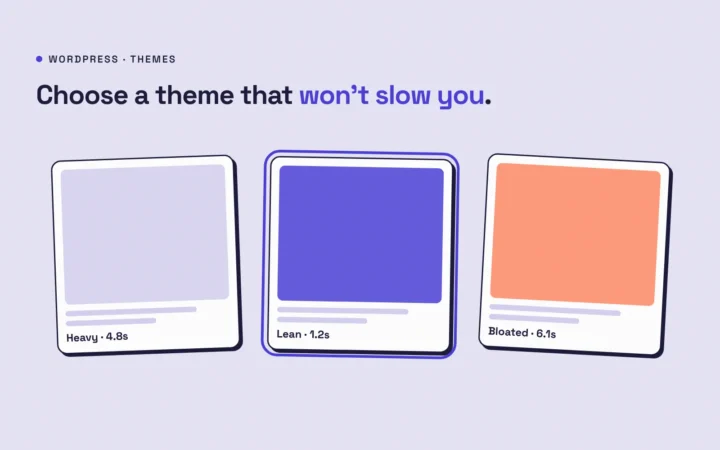
- A lean theme instead of a heavy multipurpose theme
How to talk to your developer about it
Instead of asking for “a 100 score”, ask:
- Which of the three metrics fails on mobile, and on which pages?
- What is causing it on those pages?
- What will you change, and how will we measure the result?
Core Web Vitals are not about chasing perfect scores. They are about making sure real people get a fast, stable, responsive experience on your site.