Webinars remain one of the most effective ways to sell higher-priced services and programs, because they let people spend real time with you before they buy. But a webinar is only as good as the funnel around it. Many webinars fail not because the content is weak, but because few registrants show up.
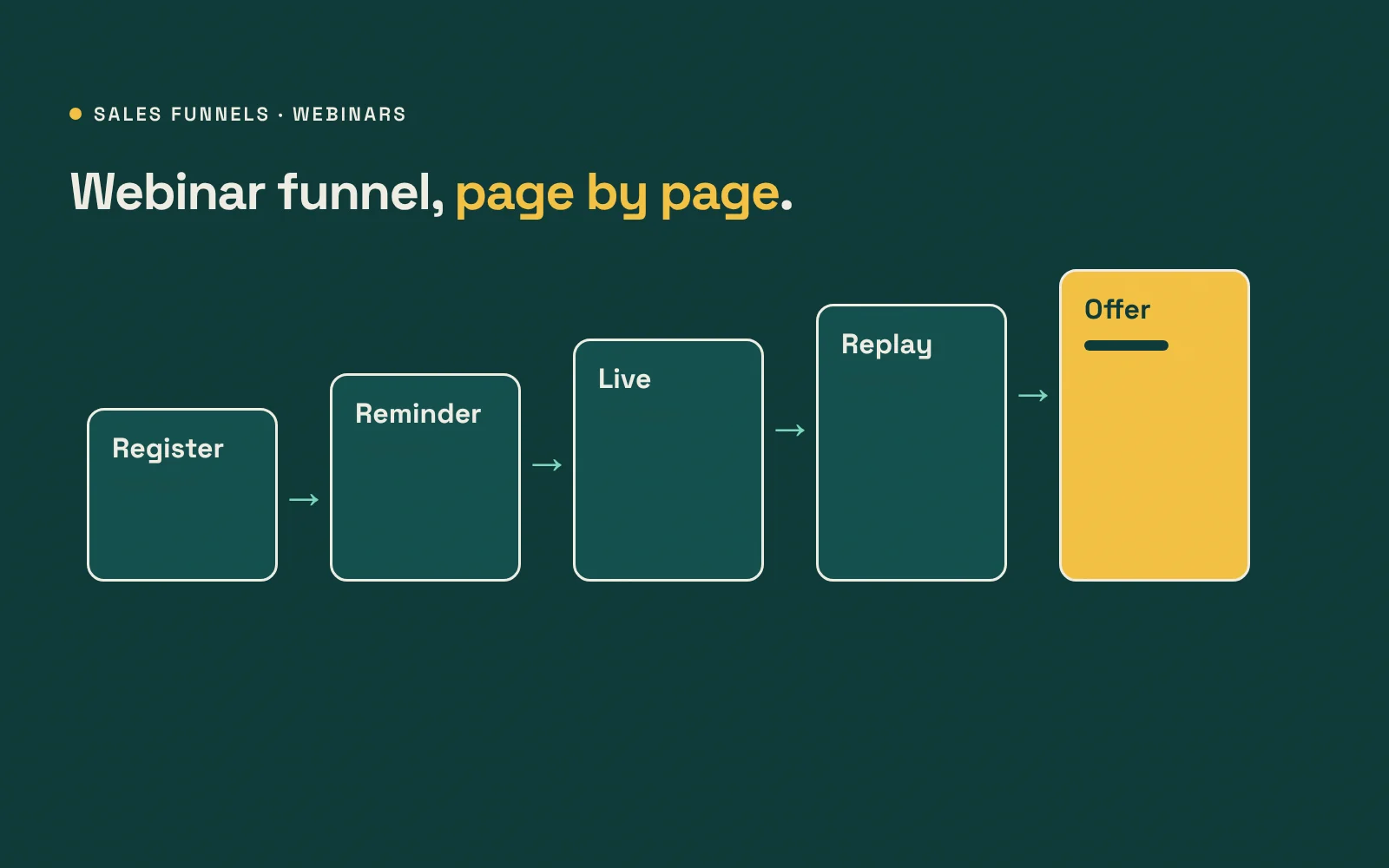
This guide covers the pages and messages a webinar funnel needs.
The registration page
The registration page needs to answer three questions quickly: what will I learn, when is it, and is it worth my time? Include:
- A specific, outcome-focused title
- Date, time and time zone, or an automatic local time conversion
- Three to five bullet points on what attendees will learn
- A short introduction to the host
- A short form: first name and email
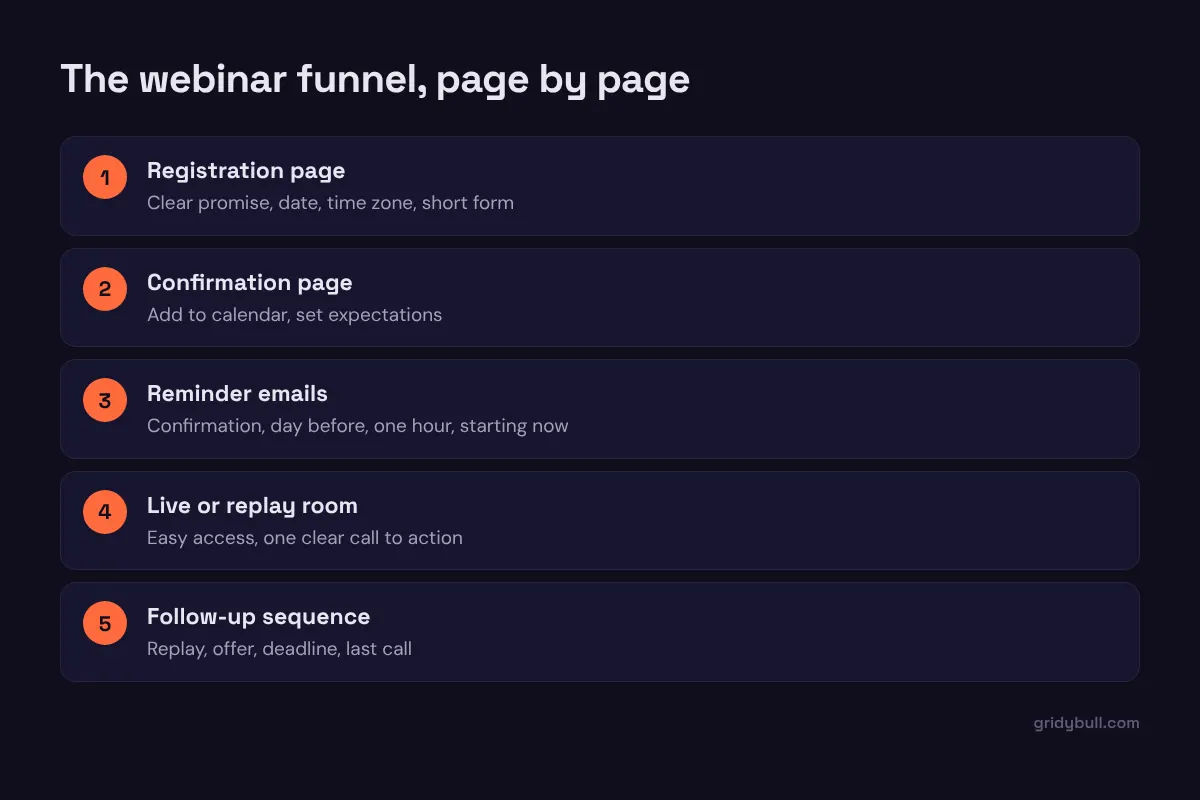
The confirmation page
After registering, people should immediately know they are signed up and what to do next:
- “Add to calendar” buttons for Google, Apple and Outlook
- A reminder to check their inbox for the joining link
- Optionally, a short video or resource that builds anticipation
Reminder emails and messages
Reminders are the biggest lever for attendance. A common sequence:
- Immediately: confirmation with the date, time and link.
- The day before: what they will learn and why to attend live.
- One hour before: a short reminder with the link.
- When it starts: “We are live now” with the link.
If registrants opted in to text messages, an SMS reminder shortly before the start can help. Platforms like GoHighLevel make it easy to send both from one workflow.
The webinar room
Whether you use Zoom, a webinar platform or a page with an embedded video, make joining effortless: one click from the email, no extra sign-ups. During the session, keep one call to action and mention it at a natural point, not only in the last minute.
The replay page
Many registrants will not attend live. A replay page with the recording, a summary of the key points and the same call to action gives them a second chance. Be honest about how long the replay is available.
The follow-up sequence
After the webinar, a short email sequence helps people decide:
- Replay email: sent to everyone, with the recording and the offer.
- Value email: answer the best questions from the session.
- Proof email: a case study that shows the result.
- Deadline email: if the offer has a real deadline or bonus, remind people before it ends.
Segment your follow-up if you can. People who attended live and stayed to the end usually need a different message from people who never opened the link.
Live, automated or on demand?
- Live: the most engaging and the most effort. Great for testing your message.
- Automated (evergreen): a recorded webinar shown at scheduled times. Be transparent: do not pretend a recording is live.
- On demand: watch any time. Convenient, but people put it off, so reminders still matter.
What to measure
- Registration page conversion rate
- Show-up rate (live attendees ÷ registrants)
- Watch time or how many stayed to the offer
- Conversions from attendees and from replay viewers
If registrations are strong but attendance is weak, fix reminders before changing anything else. It is usually the cheapest improvement in the whole funnel.
Related reading: How to Build a Lead Magnet Funnel That Attracts the Right People